Trusted by teams testing email at speed

Adobe Netflix Visa Safeway Vodafone Wayfair

HTML email testing & preview features

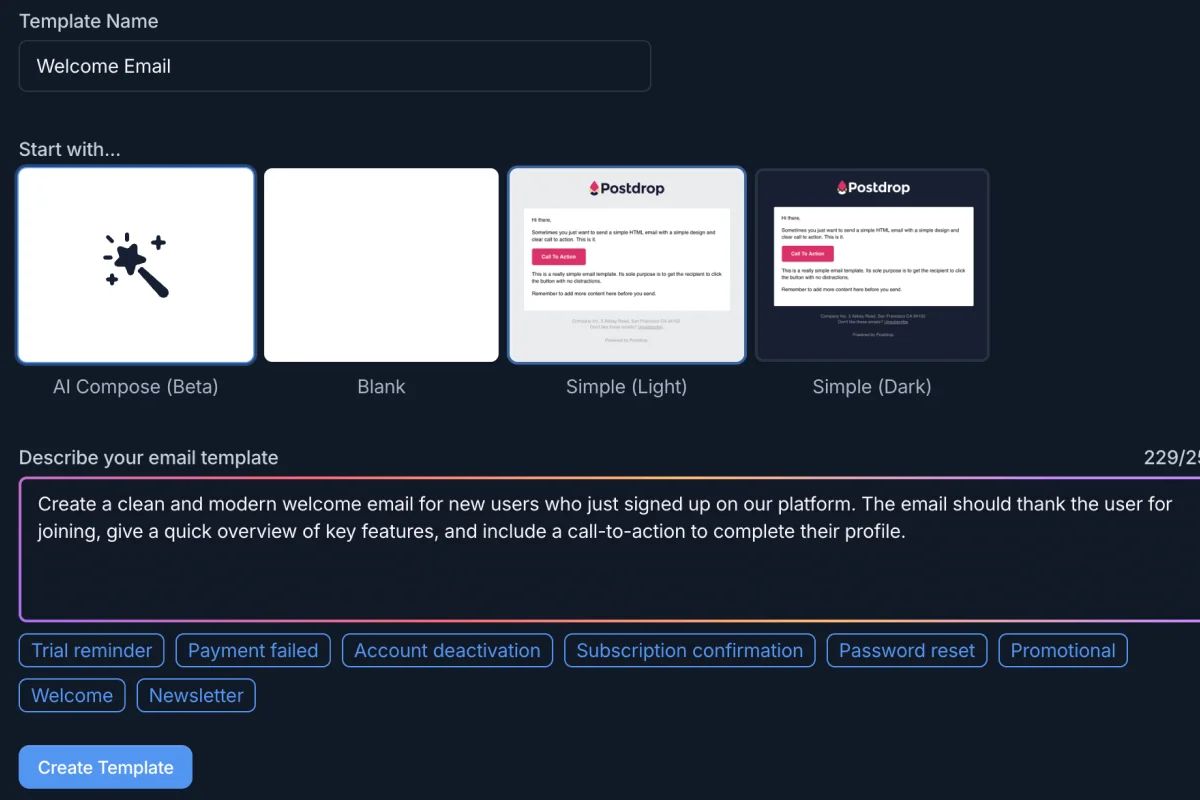
Generate polished email templates from a single prompt

AI template generator

Start from a prompt — get a beautiful, responsive HTML email template instantly. Edit in the code editor, preview across devices and dark mode, then export production-ready HTML. No clunky drag-and-drop builder required.

Developer-focused HTML and CSS editing environment

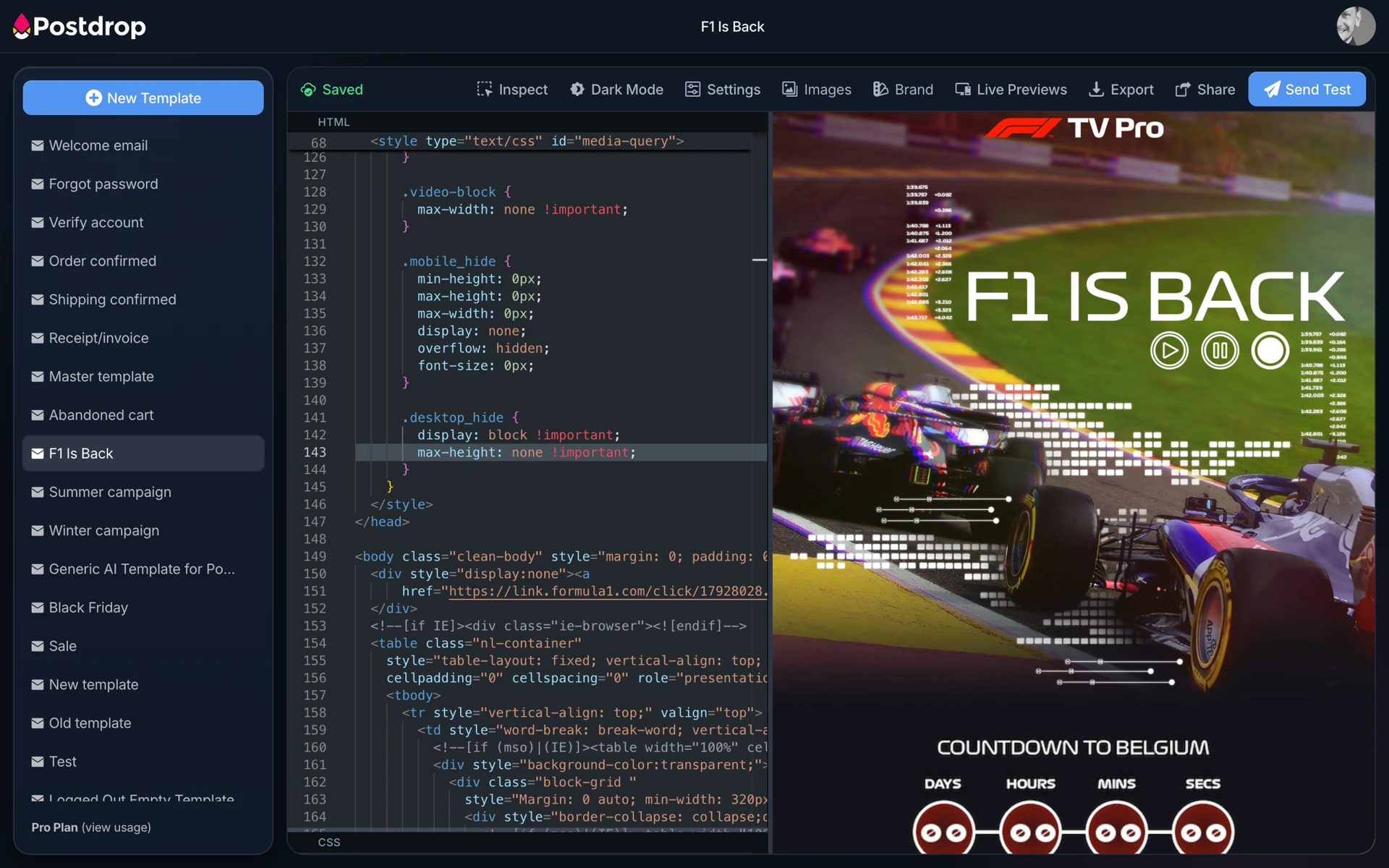
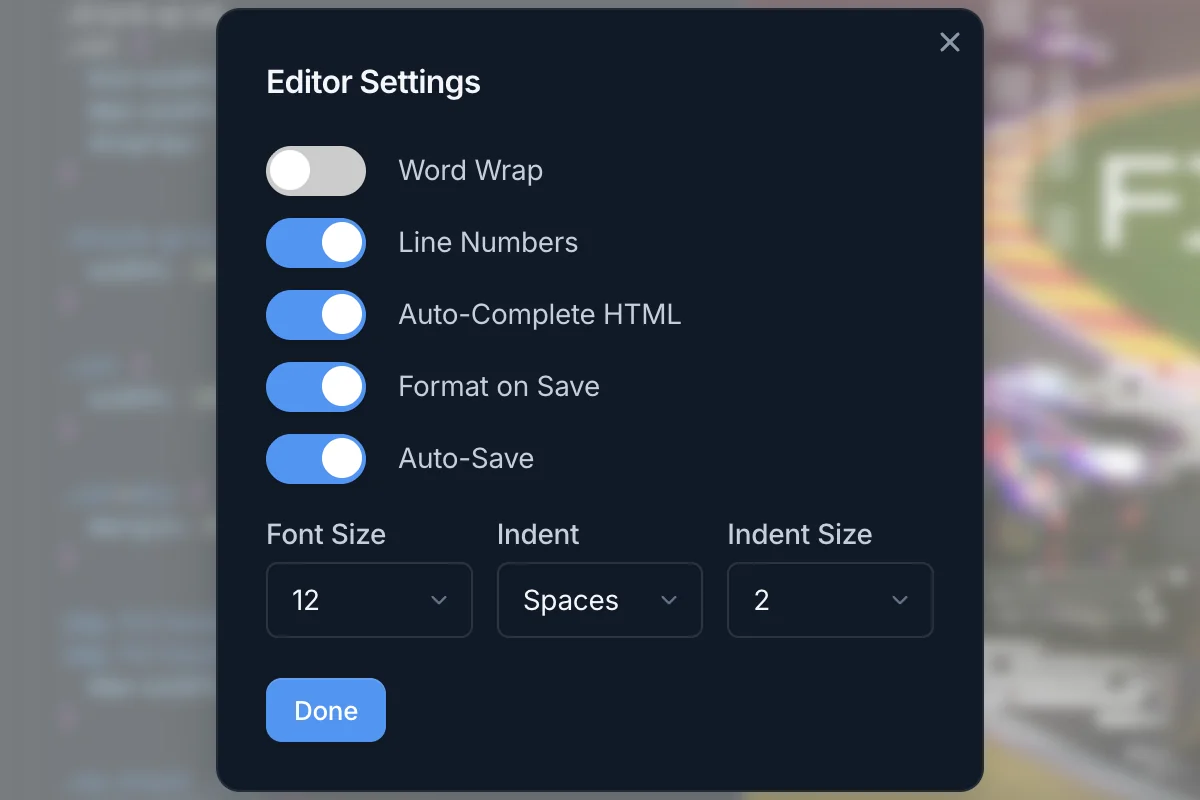
Developer-first HTML + CSS editor

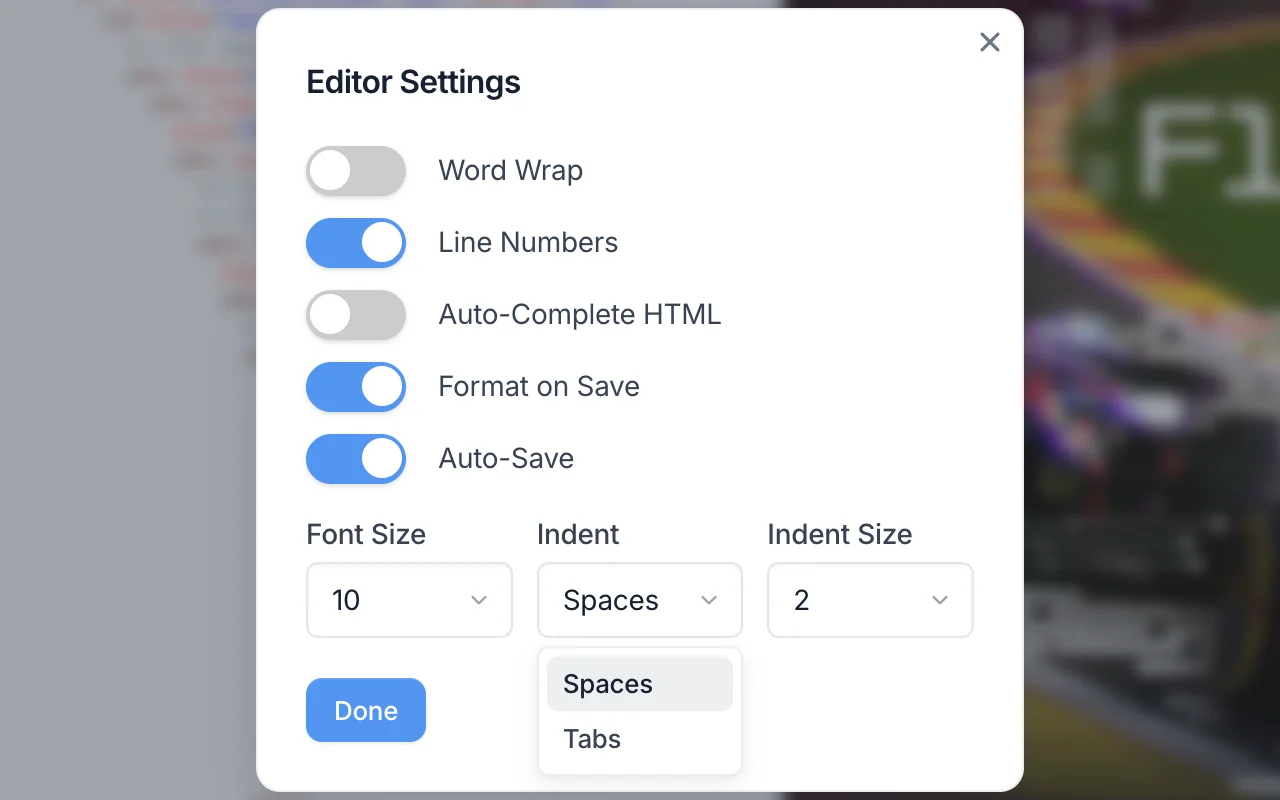
A developer-friendly editor with syntax highlighting, auto-complete, line numbers, word wrap, and auto-save. Choose spaces or tabs — we won’t judge.

Automated CSS inlining workflow for email compatibility

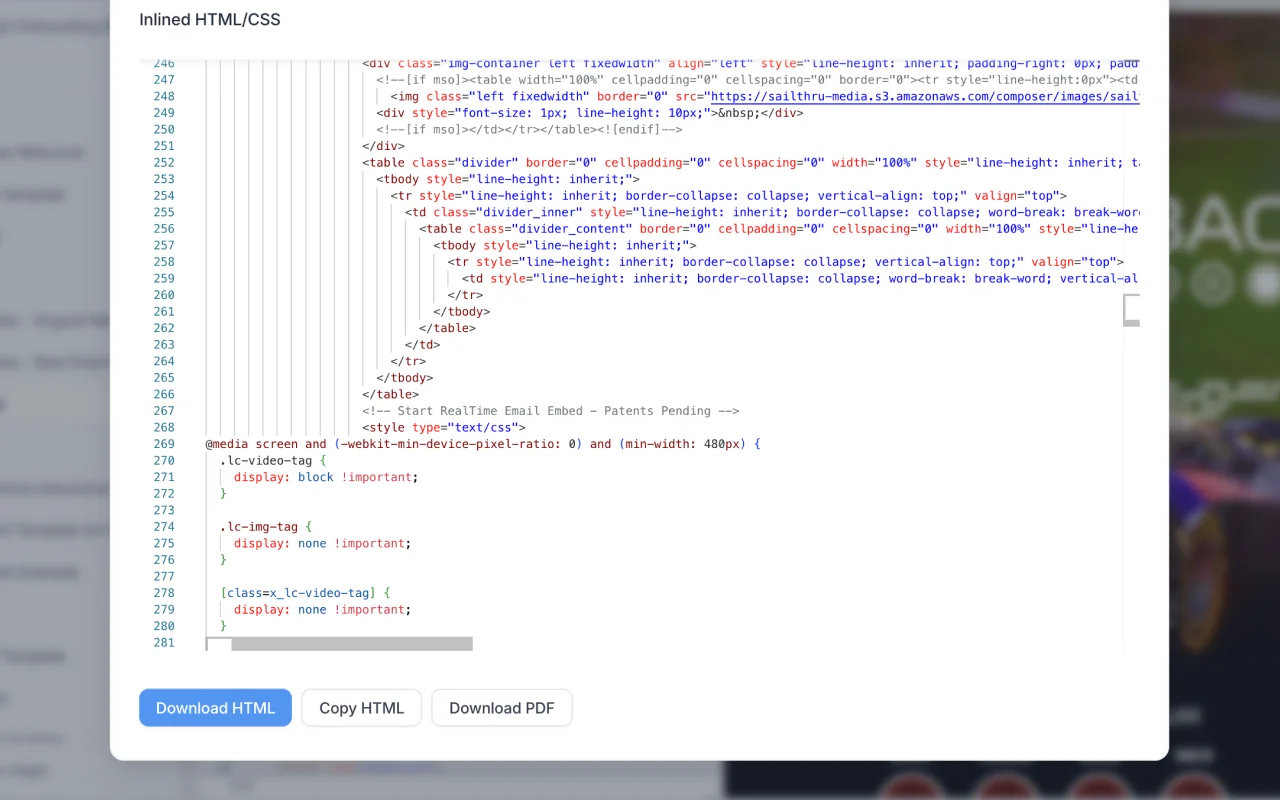
Bulletproof CSS inliners

Automatically inlines and optimizes your CSS for maximum email client compatibility. Stop manually debugging broken layouts — Postdrop ensures your HTML emails render perfectly in Gmail, Outlook, Apple Mail, Yahoo, and beyond.

Responsive and dark-mode email preview interface

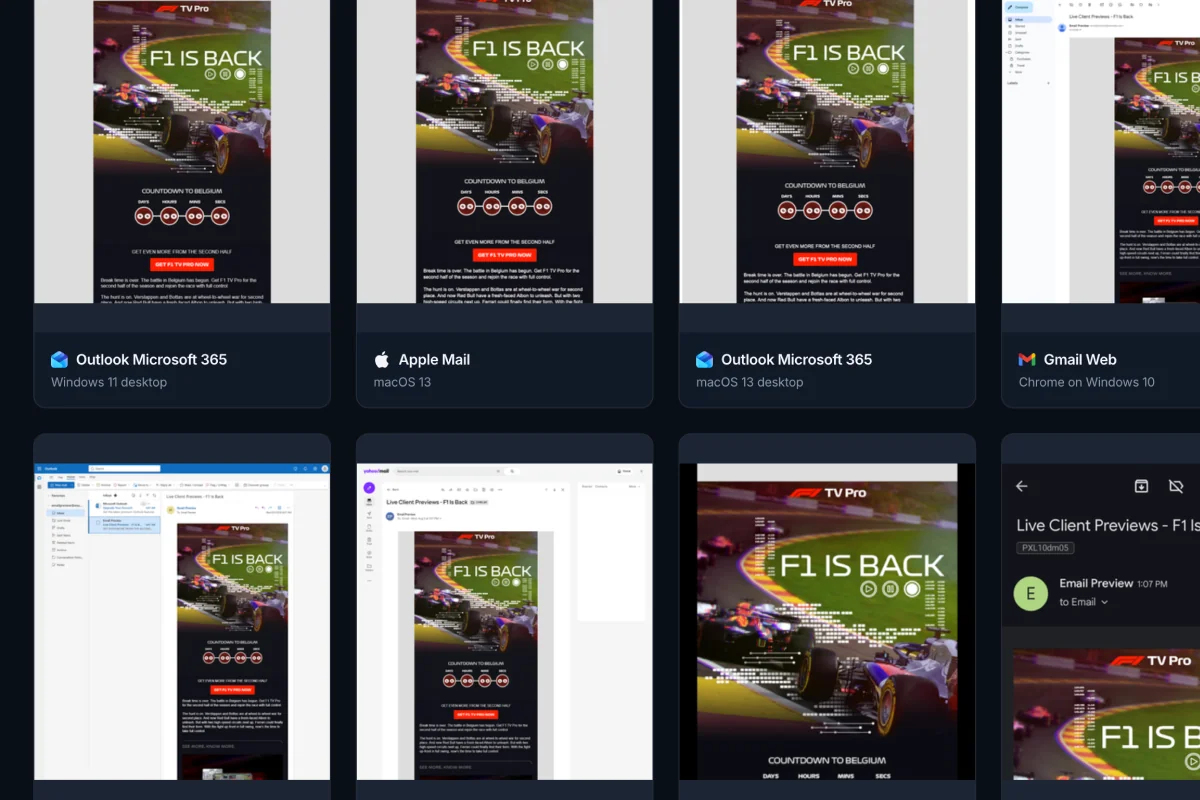
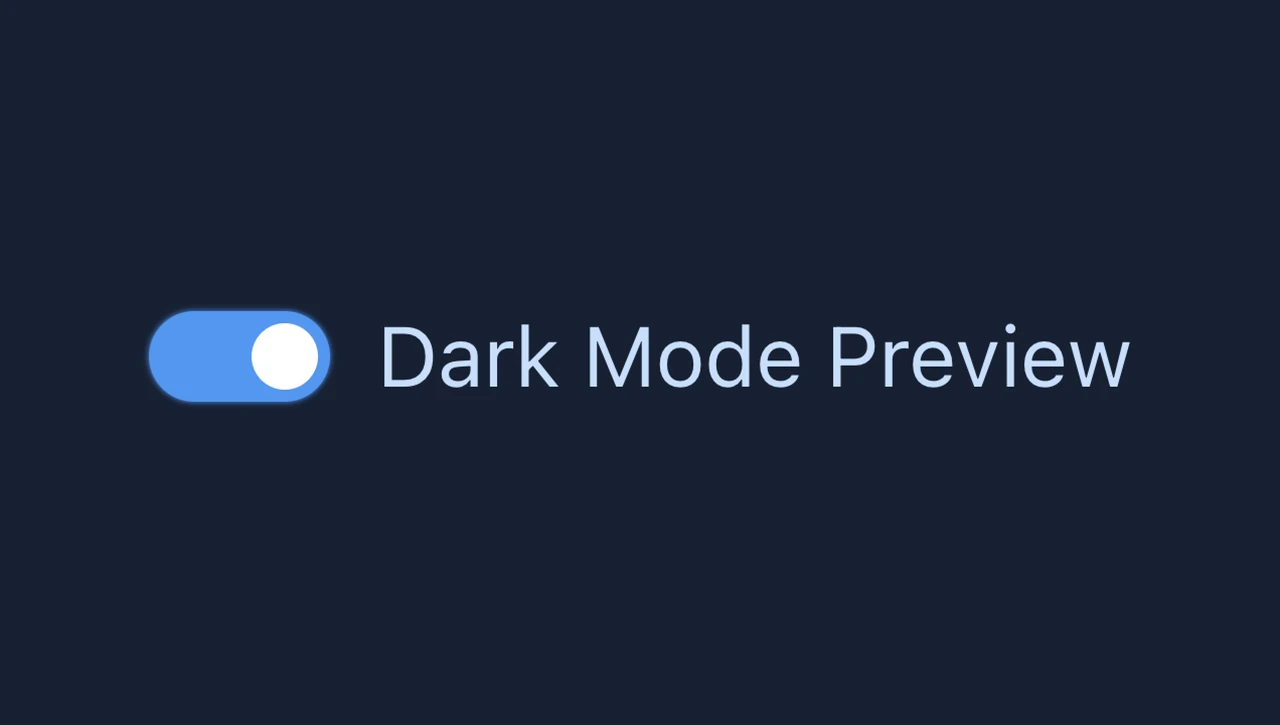
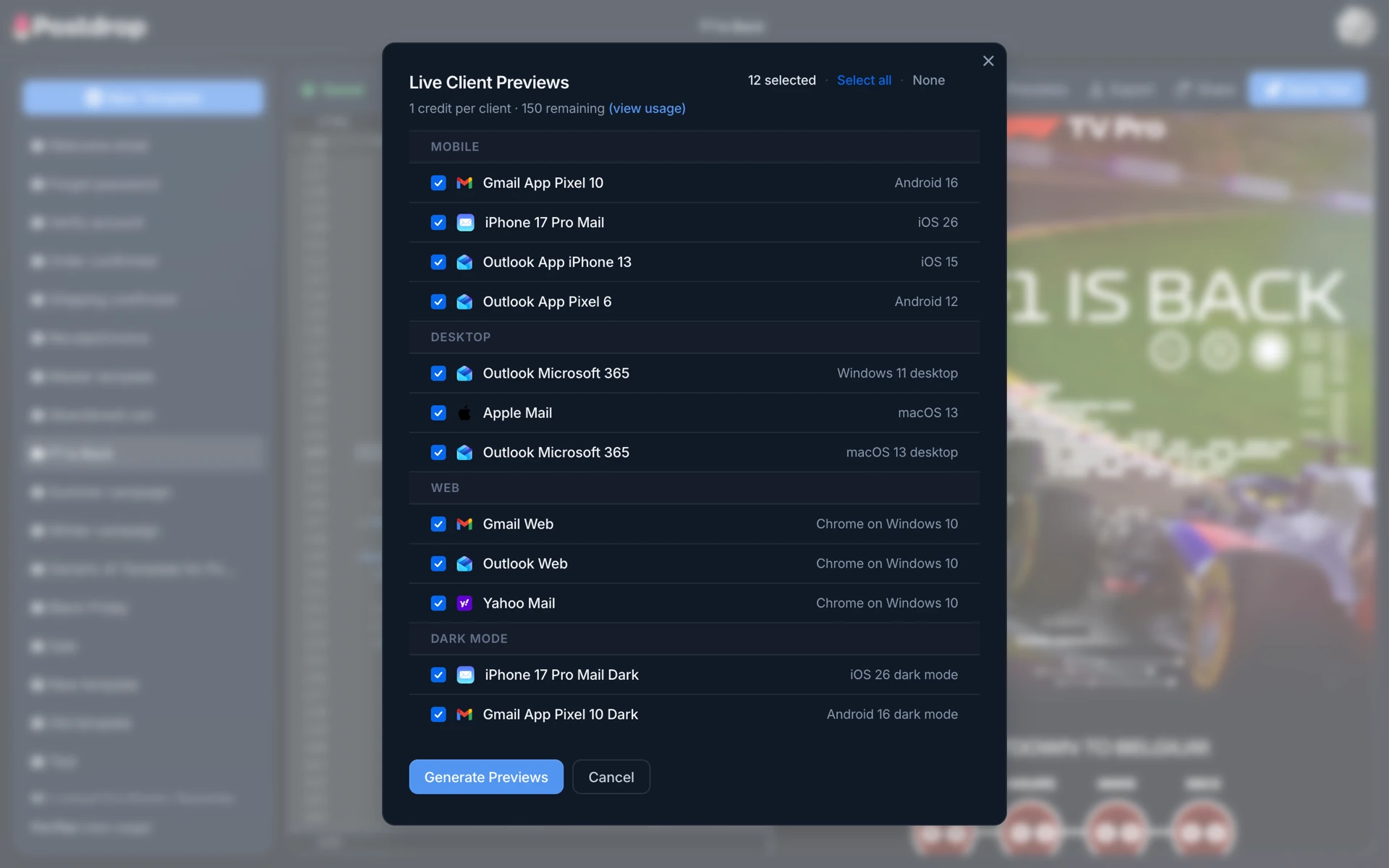
HTML email preview — desktop, mobile & dark mode

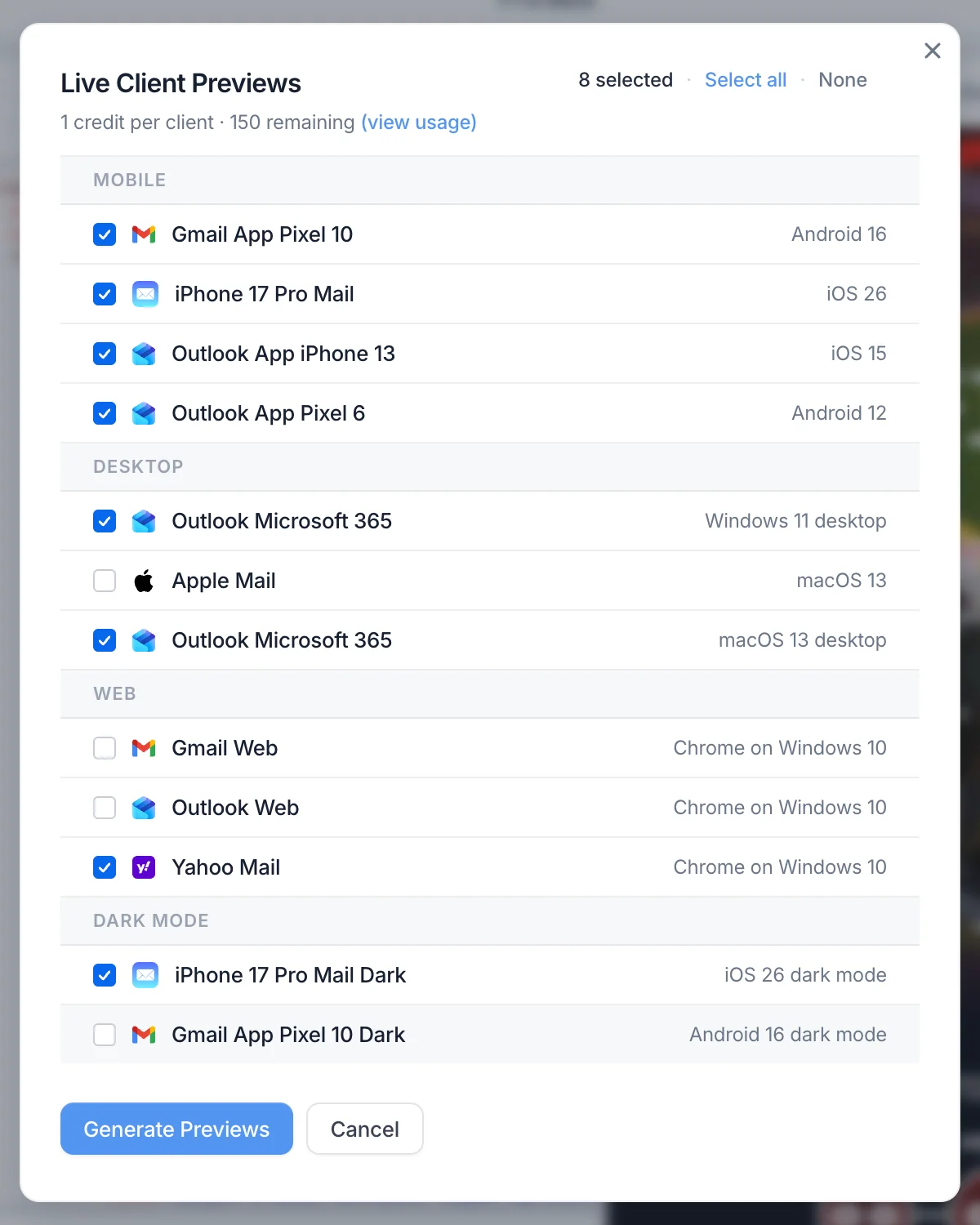
Preview how your HTML email template looks on desktop and mobile, in both light and dark mode — all without sending a single test email. Share preview links with your team or clients instantly, no screenshots required.

Collaborating on email projects with team workspaces

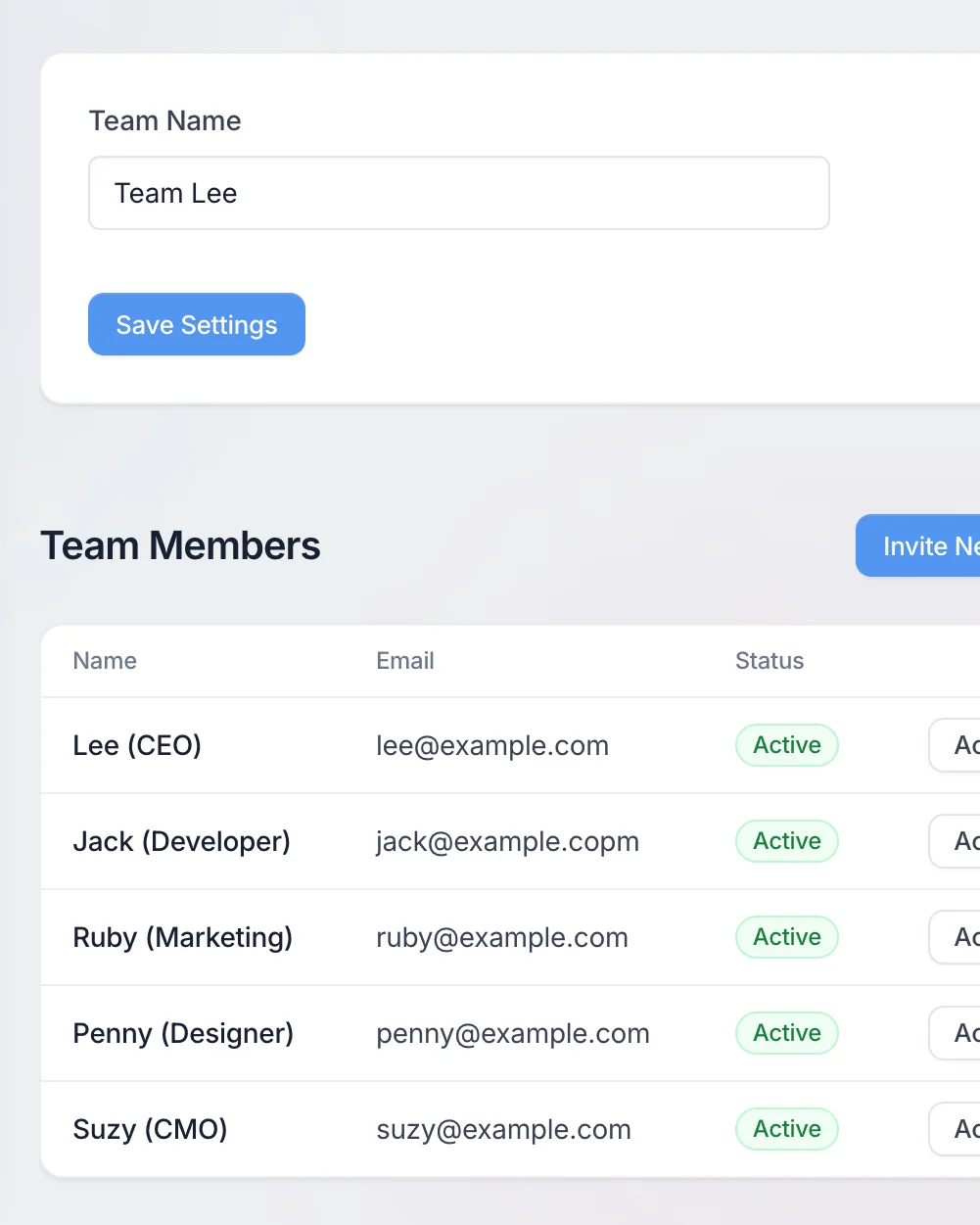
Team accounts

Invite your whole team. Designers, marketers, and developers can work together in one shared workspace.

Configuring brand settings to keep every email on-brand

Brand settings

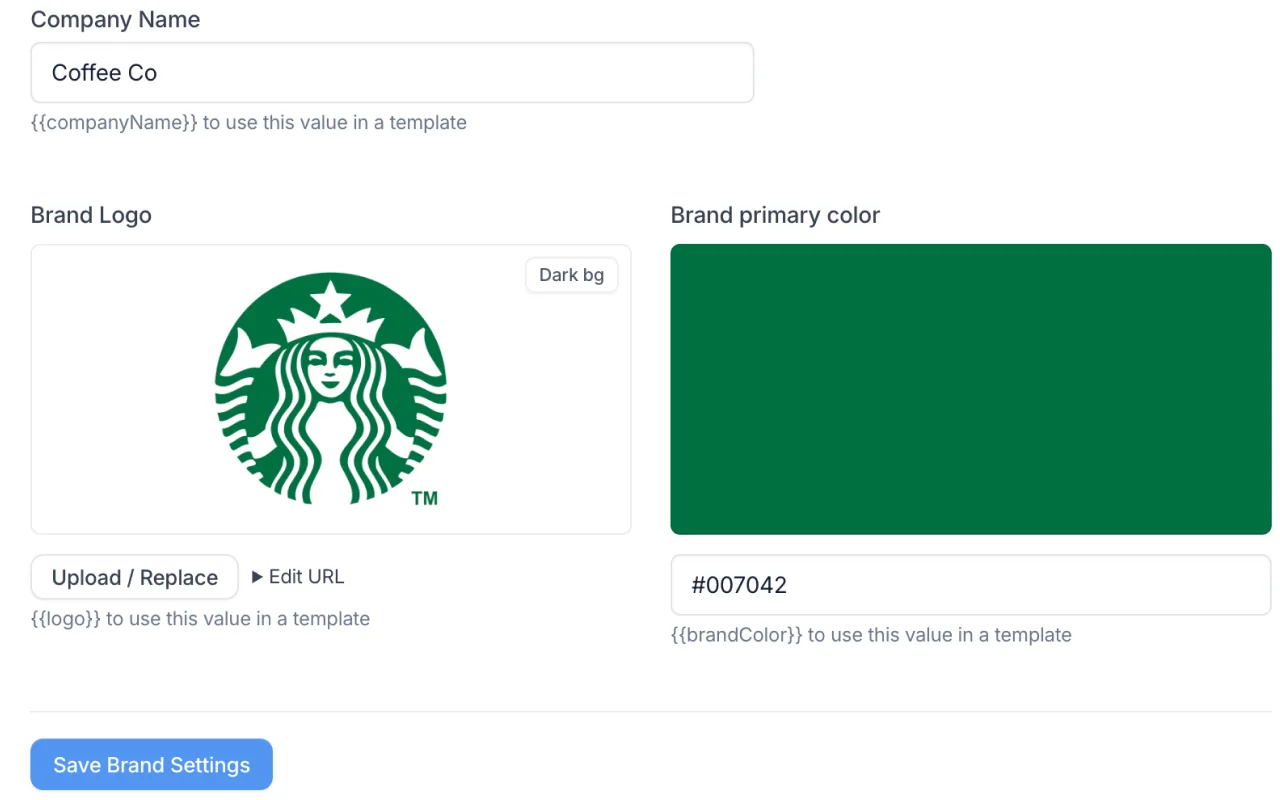
Set your logo, company name, and brand color once. Every new template uses your approved branding automatically — consistent, every time.

Uploading email assets to Postdrop's global CDN

Image upload + CDN

Upload, store, and serve images via Postdrop’s global CDN for lightning-fast delivery.

Exporting HTML emails to Mailchimp, HubSpot, and other ESPs

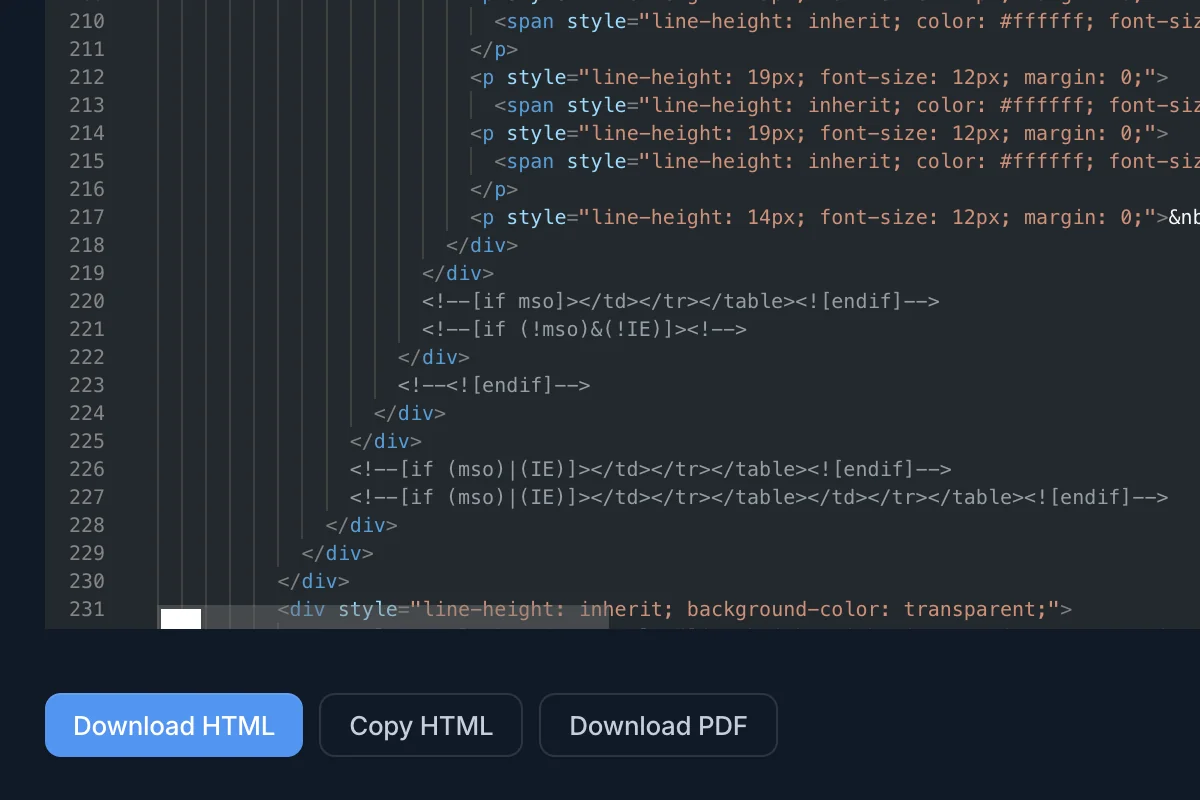
Export anywhere

Download or paste your email into Mailchimp, Campaign Monitor, HubSpot, Klaviyo, Customer.io, OneSignal, Mailgun, SendGrid, and more.

Sending HTML email tests to teammates and clients

Send test emails to any inbox

Send test emails directly from the editor to any inbox. See exactly how your HTML renders in Gmail, Outlook, Apple Mail, and more — before your campaign goes live. Share test emails with your team or clients, then export to your ESP when you're ready.

How to test your HTML email templates

  1. 1

    Start with a prompt or template — AI generates your base design.

  2. 2

    Refine in the editor — tweak HTML, upload images, adjust styles.

  3. 3

    Preview, share, and export — test across devices and export ready-to-send HTML.

Test email templates before you send

Designers, developers, and marketers spend hours fixing inconsistent HTML, broken layouts, and dark-mode bugs. Postdrop handles all that for you.

  • ✅ One approved logo, brand color, and template for every email
  • ✅ Preview instantly — no need to send test emails to yourself
  • ✅ Generate production-ready HTML with AI and CSS inliners
  • ✅ Share responsive previews with your team in seconds
Previewing HTML emails across Gmail clients

Simple plans for individuals and teams — start free, upgrade anytime

Free

$0 / month

  • Save 3 email templates
  • 10 exports per month
  • 10 test emails per day
  • 1 user account
  • Unlimited test recipients
  • Dark mode preview
  • 2 AI-generated templates per month
Start free

Solo

$29 / month

  • Save 30 email templates
  • Unlimited exports
  • 100 test emails per day
  • 1 user account
  • Unlimited test recipients
  • 10GB image uploads
  • 50 AI-generated templates per month
  • Dark mode preview
Get started

Pro

$79 / month

  • Save 200 email templates
  • Unlimited exports
  • 500 test emails per day
  • 5 user accounts
  • Unlimited test recipients
  • 100GB image uploads
  • 250 AI-generated templates per month
  • Dark mode preview
  • Priority support
Get started

Enterprise

Custom

  • Unlimited email templates
  • Unlimited exports
  • Unlimited test emails per day
  • Unlimited user accounts
  • Unlimited test recipients
  • Custom image storage
  • Custom AI plan
  • Dark mode preview
  • Priority support
  • Integrations
  • API access
Contact us

Created by experts who've lived the pain of email development

Postdrop was built by experienced product and design leaders who’ve spent years working with email, messaging, and developer tools. Our founders have over 20 years’ experience in software development, working in the San Francisco Bay Area for successful messaging companies including Mailgun and OneSignal, and open-sourcing email tools for developers with one of the most popular projects on GitHub with over 20,000 stars.

Lee Munroe, Postdrop founder

Frequently asked questions

How do I send a test email before launching a campaign?
With Postdrop, you can send test emails directly from the editor to any inbox. Just enter your recipient addresses, hit send, and see exactly how your HTML email renders in real email clients like Gmail, Outlook, and Apple Mail — before you launch.
Can I preview HTML email templates online for free?
Yes. Postdrop's free plan lets you preview HTML email templates on desktop and mobile, in both light and dark mode. You can also share preview links with your team or clients — no account required to view them.
How do I test dark mode rendering in HTML emails?
Postdrop includes a built-in dark mode previewer. Toggle between light and dark mode instantly to see how your email template adapts, without needing to send test emails or switch device settings.
What email clients does Postdrop test against?
Postdrop's CSS inliner optimizes your HTML for all major email clients including Gmail, Outlook, Apple Mail, Yahoo Mail, and Samsung Mail. You can send test emails to any inbox to verify rendering, and the responsive previewer shows desktop and mobile layouts side by side.
Can I export my email template to Mailchimp, HubSpot, or SendGrid?
Absolutely. Once your HTML email template is ready, export it as clean, inlined HTML and paste it directly into Mailchimp, HubSpot, Klaviyo, SendGrid, Customer.io, Campaign Monitor, or any other email service provider.
How can I view and share HTML email templates with my team?
Postdrop makes it easy to share any email template as a live preview link. Recipients can view the HTML email in their browser on desktop or mobile — no login or account needed. It's the fastest way to get feedback on email designs without sending test emails or trading screenshots.

Stop fixing broken HTML. Start building better emails — powered by AI